
Bookings
Choose a deposit amount and capture the rest from the credit card on file, making for smooth booking and payment collection on Shopify.
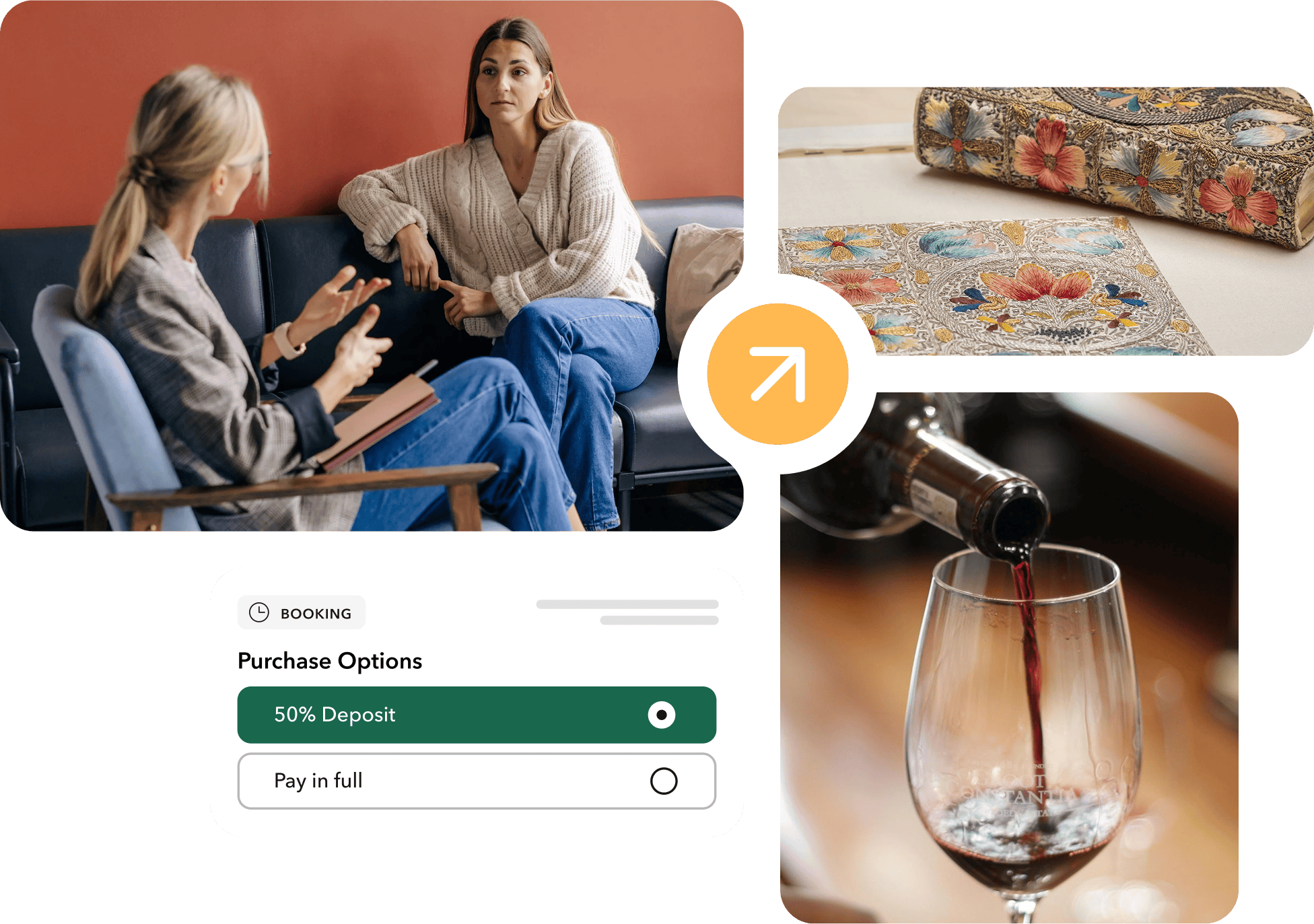
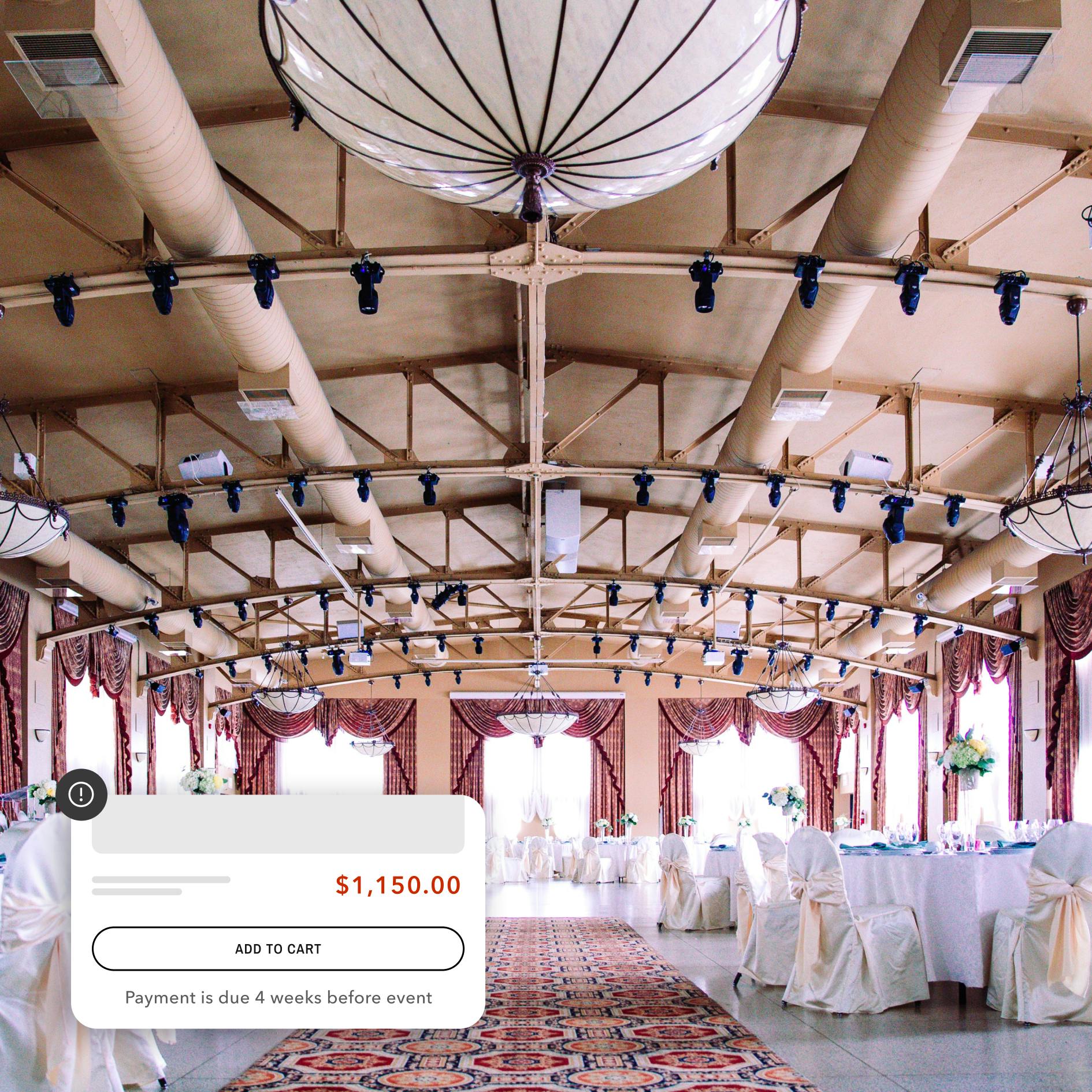
Brands selling services and experiences have many of the same difficulties:

Checkout hesitation
Customers are unsure about making reservations when they have to pay the full cost upfront.

Cancellations and no-shows
Merchants struggle with customers backing out or blowing off bookings when they didn't have to make a financial commitment in advance.

Manual follow-up
Collecting deposits outside of Shopify, sending reminders, and chasing payment add operational overhead.
Downpay makes it easy for Shopify merchants to secure bookings with deposits and partial payments.

Upfront deposits
Bookings are secured with an upfront deposit, capturing intent without full payment at checkout.

Automated balance collection
Remaining payments are captured automatically after the event, ensuring cash flow without manual follow-up.
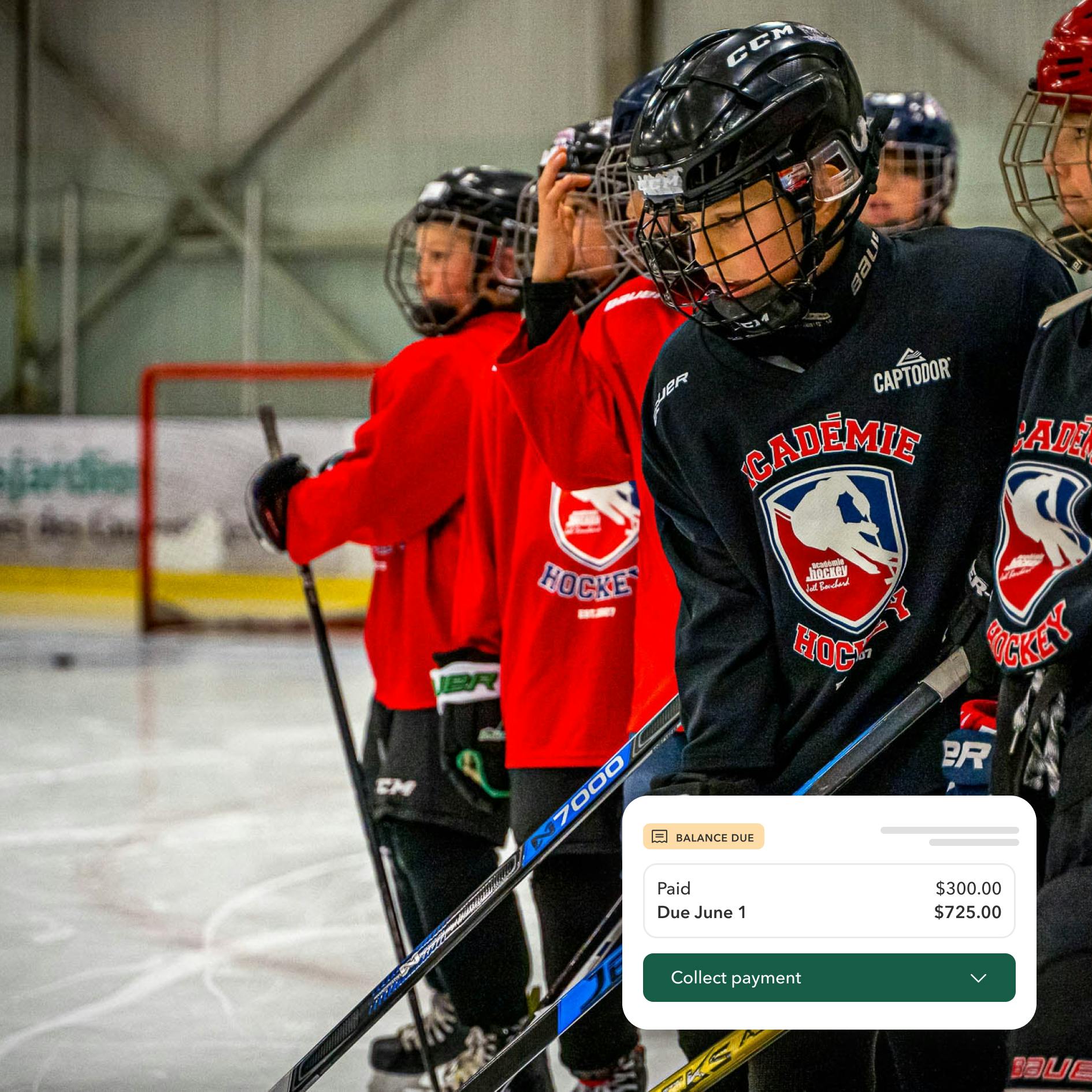

“This app is just what we needed! We offer florals for weddings and other events, and this app allows us to take a deposit at the time of booking and remaining balance closer to the event date.”
Benefits
Why brands with bookings trust Downpay
For merchants

Committed customers
Deposits reduce last-minute cancellations and no-shows.

Fits any timelines
Automate payment schedules tied to event or service dates.

Predictable cash flow
Know when time slots are committed and when remaining revenue will be collected.
For customers
Lower barrier to book
Reserve services, venues, or experiences with just a deposit.

Less financial pressure
Divide payments when booking higher-value services or events.

Clear payment terms
Know exactly when and how much will be charged.
FAQ
Have a question?
Yes. Downpay lets you collect deposits directly in Shopify Checkout for services, bookings, and appointments, just like physical products.
You can charge the remaining balance manually or automatically on a specific date, after the service is completed, or when another workflow condition is met.
Merchants can send reminders through Shopify Flow and Shopify Email or apps like Klaviyo to keep customers informed about balance collection due dates.
If an order is canceled before the balance is collected, no further charges are made. Refund behavior for deposits follows your Shopify refund settings.
Yes. Downpay integrates with Shopify Flow and can be used with third-party booking or scheduling apps like Flare and Sesami to automate payment timing.
Unlock growth